
Truck flow management means organising a vehicle’s journey through your site, from arrival to exit: queueing, routing to an available bay, guiding the driver, and tracking the loading or unloading operation. The aim is to cut the time vehicles spend on site and eliminate wasted manoeuvring.
This function builds on the equipment you already have, and works alongside access control and weighing, which handle entry to the site and the transaction itself.
Why the queue becomes the real bottleneck
On most sites, loading itself takes a few minutes. Everything around it is what eats the time: the truck waits for someone to come and see it, the driver hunts for the right bay, parks in the wrong place, has to be moved, and the operator only notices the queue once it has already formed.
The cost then spreads. Despatch slots slip, hauliers charge for waiting time, operators spend their day directing vehicles instead of doing their job, and the end of the day is always tense.
Automating that journey, known in the industry as yard management, hands the coordination over to the software. The vehicle is picked up on arrival, routed to a bay that is genuinely free, and its progress stays visible without anyone having to walk out into the yard.
How it works
The vehicle is recognised and matched to its planned operation. Access control handles entry authorisation; this function takes over once the vehicle is in the yard.
Vehicles join a queue managed by the software, based on arrival order and the priority rules your site defines.
As soon as a bay frees up, the next vehicle is called forward. Allocation takes account of the product to be loaded and which bays can handle it.
Display boards driven by the software show which bay to head for and the vehicle’s place in the queue, in several languages where needed.
The operator sees at a glance which bays are busy, which are free and where the queue is building, without leaving their screen.
Once loading is finished, the bay is released and the vehicle directed to the exit. Time on site is recorded.
Three real-world situations solved by this feature

The driver does not know where to go
The situation: The truck comes in, stops, and waits for someone to direct it. On a site he has never visited, with signage designed for regulars, he picks the wrong bay one time in three. Every mistake means a manoeuvre, a turnaround and occasionally an incident.
With the PILOT solution:
- Automatic allocation to a bay that can handle the load
- The bay number shown on yard display boards
- Multilingual messages for drivers from abroad
The benefit: The driver gets on with it without asking directions, and your operators stop acting as traffic wardens.
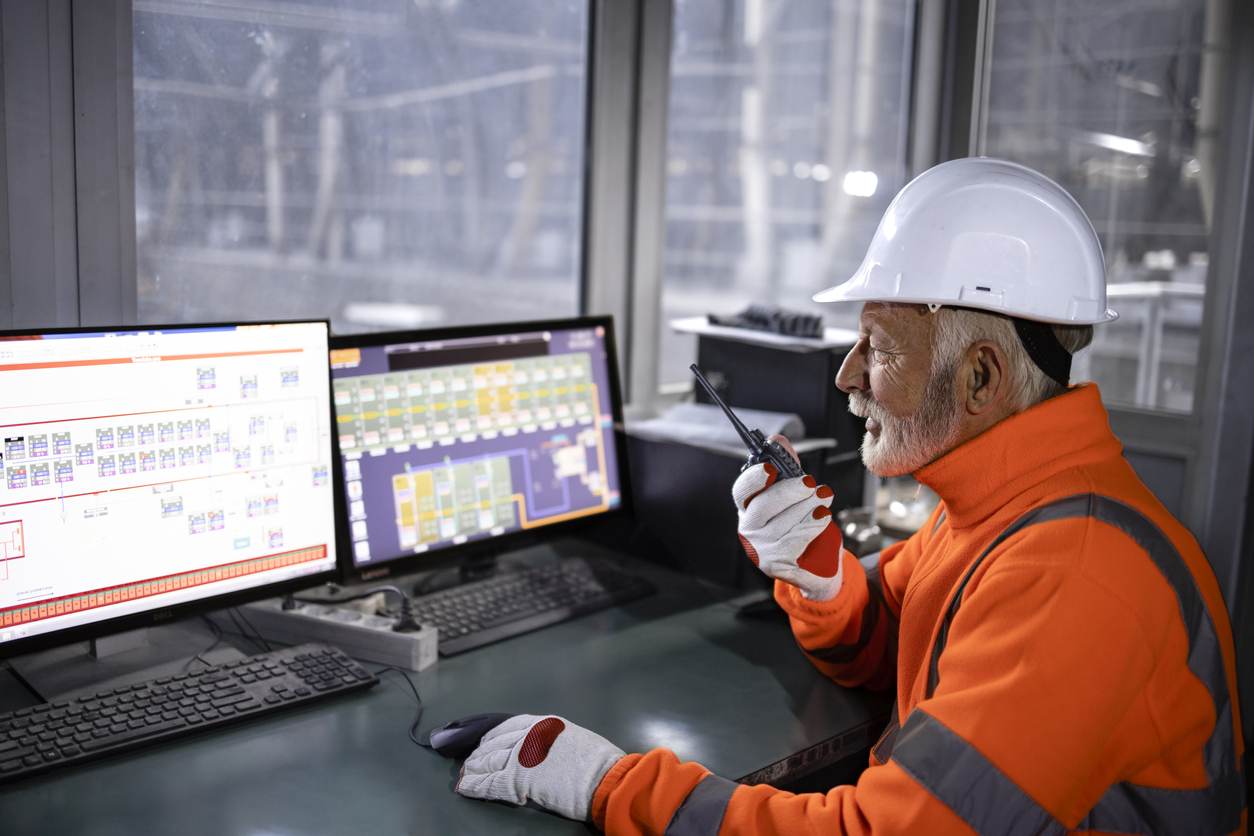
The operator only sees the queue once it is there
The situation: Finding out how many vehicles are waiting, which bays are busy and where the flow is stuck means walking out into the yard or making a phone call. The information arrives too late to act on.
With the PILOT solution:
- A live view of bay status and the current queue
- An alert when waiting time passes the threshold you set
- A record of time on site, by period and by haulier
The benefit: Decisions get made during the shift, not in the following morning’s report.
Arrival peaks are simply endured
The situation: Hauliers turn up when they can, usually at the same times. The yard fills up mid-morning then empties in the afternoon, while loading capacity stays the same all day.
With the PILOT solution:
- A queue driven by actual bay availability
- Configurable priority rules by product or by haulier
- A record of arrival times, to put figures on recurring peaks
The benefit: The load evens out, and conversations with hauliers rest on data rather than impressions.
Truck flow management functions
Several integrated technologies

Ready-to-use industrial PL totems

Integrated QR/RFID/NFC reader

Ruggedised touchscreen panel PC

Integrated printer possible

Multilingual support
Where this function delivers the most
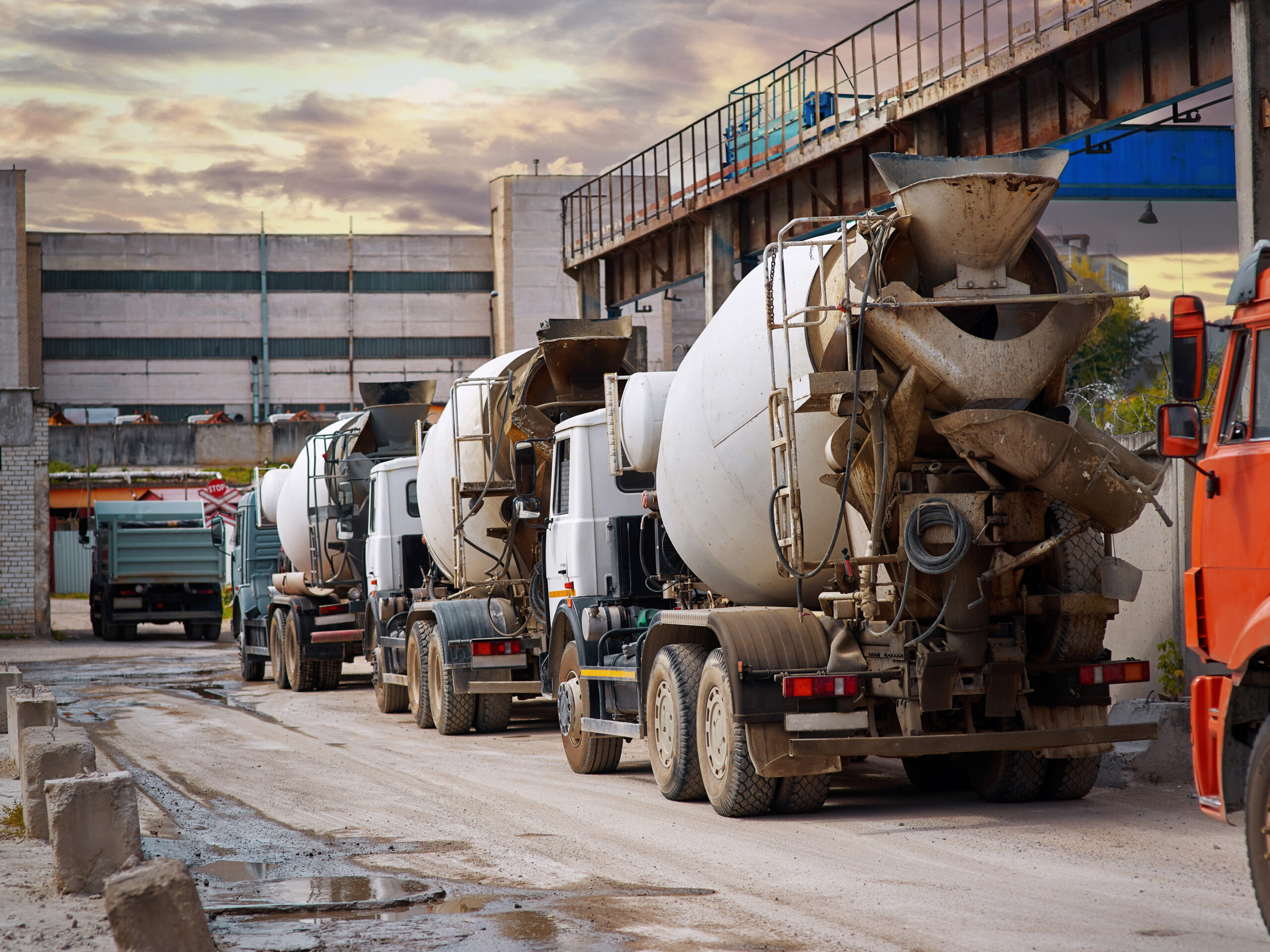
Factories, logistics platforms, warehouses, port terminals, sorting and waste facilities: what matters is the shape of the flow and the number of bays, not the industry.
Case studies
One software package, several functions
Our PILOT software also covers site access, weighing, production, the laboratory, downtime, reporting and integration with your business systems, all on a shared site data model.
You only turn on what you need, and you extend when the need arises, without changing tools or rebuilding interfaces.
The other functions
Truck flow management shares its data model with the other functions. Each one runs independently, on the same foundation.